Best Ecommerce Apps for Shopify: 10 Picks by Business Need
Compare the best ecommerce apps for Shopify by business need, with honest limits for coupon protection, email, reviews, support and shipping.
Your Shopify store has a healthy ad budget, orders are coming in, and revenue looks respectable. Yet margins are slipping, support tickets keep piling up, and customers keep emailing to ask where their orders are, even though you already have a tracking page.
You probably need three apps, not thirty. More precisely, you need tools for the problems costing you the most, not another subscription for a feature someone might use eventually. Installing a loyalty app won't fix leaked influencer codes, and upgrading your helpdesk won't fix shipping notifications that customers can't understand.
The best ecommerce apps solve a defined business problem without creating a larger maintenance bill. For a DTC Shopify brand, that might mean protecting discounts, automating repeat-purchase campaigns, putting order details beside support conversations, or building a landing page that matches an ad's promise.
Start with the bottleneck: Name the loss you're trying to prevent before you name the app you want to install.
The picks below are grouped by those jobs, rather than ranked as though every store needs the same stack. Klaviyo and Omnisend are alternatives for marketing, while Recharge and Smile.io solve different repeat-purchase problems. Shipping visibility, support management, reviews, and page building each deserve their own decision.
Pay particular attention to pricing mechanics. Contact-based billing, ticket allowances, transaction fees, and shipment overages can matter more than the starting subscription price. The useful comparison is what an app will cost at your actual operating volume, including the time your team spends maintaining it.
1. KeepCart
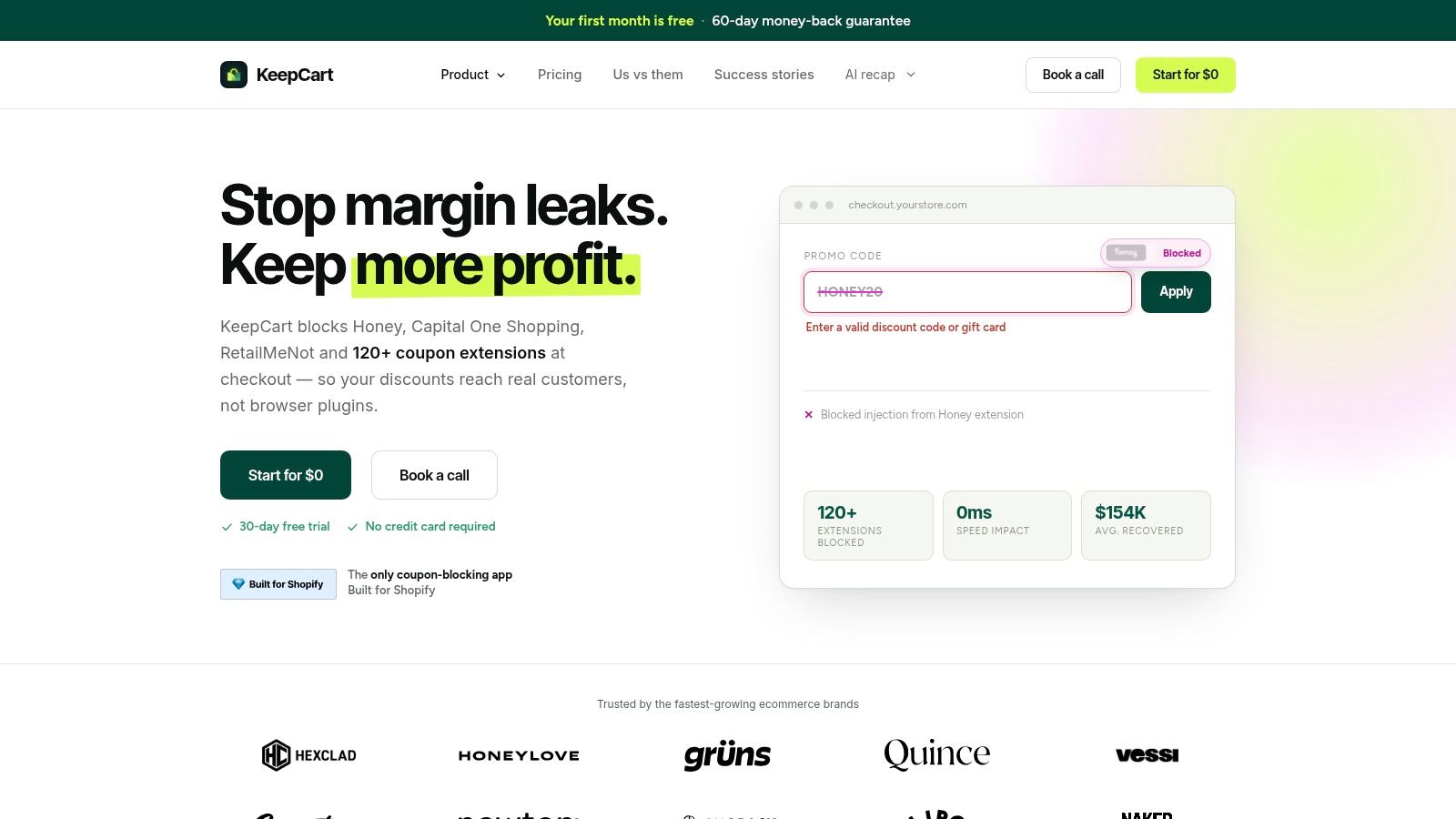
Best for margin leakage from public codes, coupon extensions, and unintended affiliate commissions.
A discount built for an influencer's audience shouldn't circulate as a permanent public offer. KeepCart combines extension blocking, leaked-code monitoring, removal requests, protected links, and discount recovery so merchants control distribution and redemption in one place.
It intercepts more than 120 coupon extensions, including Honey, Capital One Shopping, RetailMeNot, and Karma, before they apply codes at checkout. Only codes the merchant approved reach checkout, and nothing is auto-applied; blocked attempts can be swapped for a valid code that carries no affiliate fee. Leak detection scans coupon sites and forums for exposed codes, with the first leaked coupons appearing on the dashboard within an hour when any are found, and automated removal submits takedown requests and tracks listing status.
Protect the margin without abandoning the shopper
Blocking an unwanted discount is only part of the job. When shoppers enter expired or fake codes, Discount Recovery shows a valid, merchant-controlled replacement instead of leaving them at a checkout dead end.
That friction is common. In a survey of 1,463 U.S. online shoppers, 35% of recent promo-code users experienced a failure, according to Blippr's coupon-code statistics. A recovery offer won't save every sale, but it gives the shopper a reason to finish checkout without surrendering control over the discount.
Protected Links restrict employee, influencer, and partner offers to designated links rather than the code alone. Setup runs through the Shopify App Store with a step-by-step guide and no required code changes, with support available for setup questions.
- Advantages: Full extension blocking, leak detection, and automated takedowns are included on every Shopify plan, across storefront currencies, languages, and regions.
- Checkout fit: Shopify Plus stores receive additional checkout-level optimizations. KeepCart reports no measurable effect on page or checkout loading times.
- Credentials: It is the only coupon-blocking app with Shopify's official Built for Shopify badge. Cosmo Technologies calls it “an easy way for us to stop bleeding margin on orders,” and PRx Performance cites “great support and simple integration.”
- Limitations: Coupon-site removal isn't guaranteed, and replies may require merchant follow-up. A plan can be started for $0, with monthly and annual subscriptions offered; confirm plan eligibility and order-volume terms before committing.
2. Klaviyo
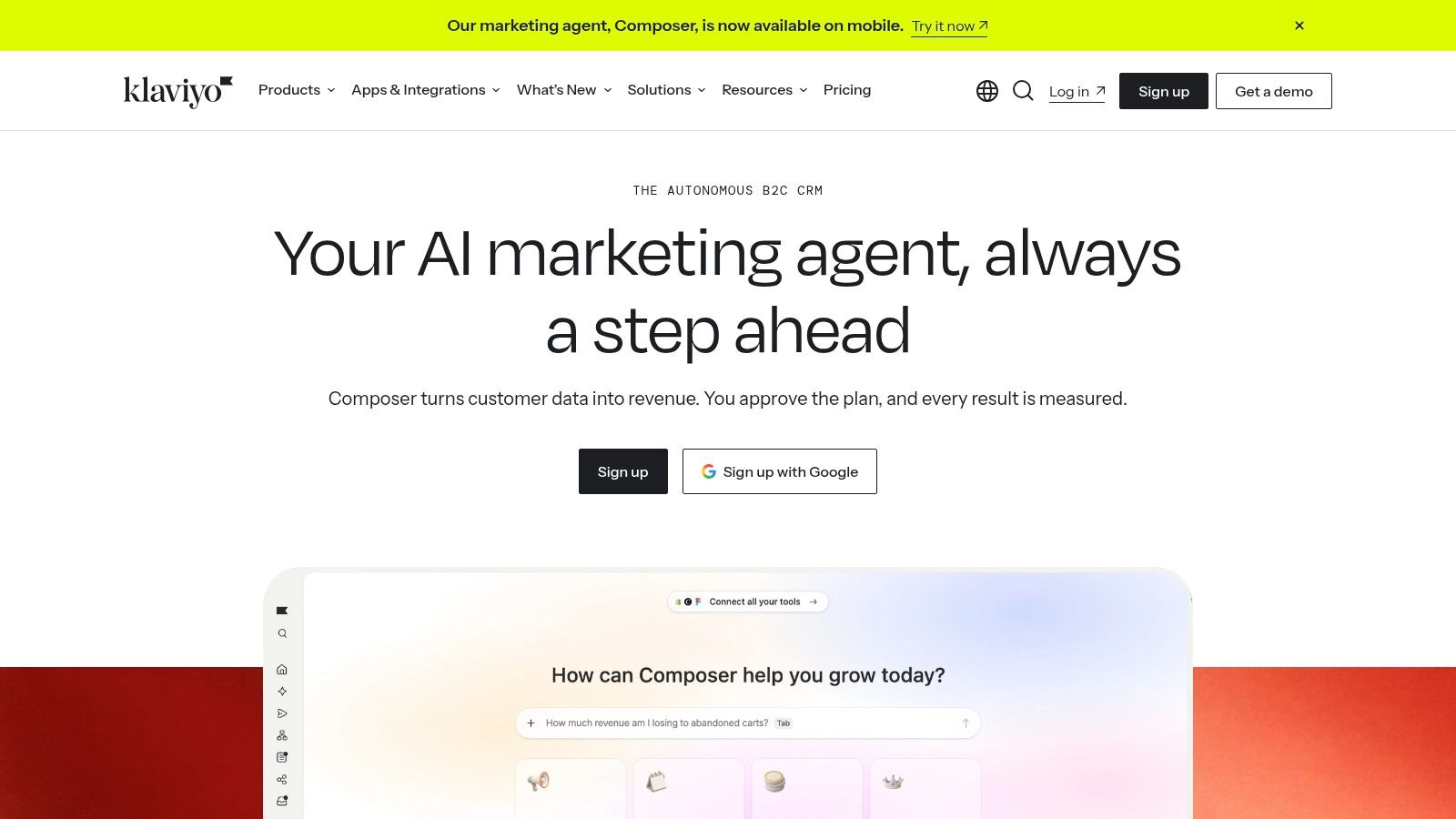
A customer who bought replenishable skincare needs a different message from someone who abandoned a first order. Klaviyo fits stores that want to make those distinctions through email, SMS, behavioral segmentation, and automated flows.
Its strongest use isn't sending more campaigns. It's connecting customer and shopping data to messages that have a reason to arrive, such as a welcome sequence, post-purchase guidance, replenishment reminder, or win-back offer. Campaign reporting and testing help teams compare those approaches.
Best for retention teams that will actively use customer segmentation. A store with repeat-purchase potential and someone responsible for lifecycle marketing has a clearer use case than a new brand that only needs an occasional newsletter.
The contact list is also a cost center
Contact-based pricing means list growth needs commercial discipline. Don't import every historical address and assume the subscription will remain proportionate to revenue.
- What works: Build distinct flows around purchase history and engagement, and exclude customers who shouldn't receive the message.
- What needs attention: Audit billable profiles, sending requirements, and SMS costs before choosing a plan. Merchant feedback includes concerns about billing complexity.
- What doesn't work: Letting several apps send abandoned-cart or post-purchase messages without a clear owner.
The Shopify connection and wider integrations ecosystem are useful when your team has a defined plan for the data. They're less valuable when nobody maintains exclusions, tests offers, or reviews whether attributed revenue justifies the discounts being sent.
3. Judge.me
Best for collecting credible product feedback without a large starting commitment. Judge.me handles automated review requests, photo and video reviews, and storefront displays such as widgets, star badges, and carousels.
The practical appeal is straightforward: shoppers can inspect feedback where they're deciding whether to buy. A review describing fit, texture, assembly, or packaging can answer a question that polished product copy doesn't address.
Its free plan includes unlimited product and store reviews, making it a useful starting point for merchants building a review library. Integrations with Google, Klaviyo, and Gorgias also give teams ways to connect review activity with marketing and support.
Collection matters more than decoration
Start with the request timing and product-page placement. A request sent before delivery or before the customer can meaningfully evaluate the product is poorly timed, however attractive the widget looks.
- Advantages: Review imports, visual customer feedback, and Google rich-snippet support make it more than a basic testimonial box.
- Limitations: Highly customized experiences may require a paid plan, and settings still need careful configuration.
- Setup priority: Test the request email, mobile widget layout, imported review formatting, and support escalation path before expanding placements.
Don't cover a product page in repeated review modules just because the app permits it. Put useful feedback beside the buying decision, keep navigation clear, and verify that customizations haven't made the mobile page cumbersome.
Judge.me is a sensible choice when the problem is missing social proof. It won't fix inaccurate product descriptions or recurring quality complaints, though the feedback can help your team identify both.
4. Gorgias
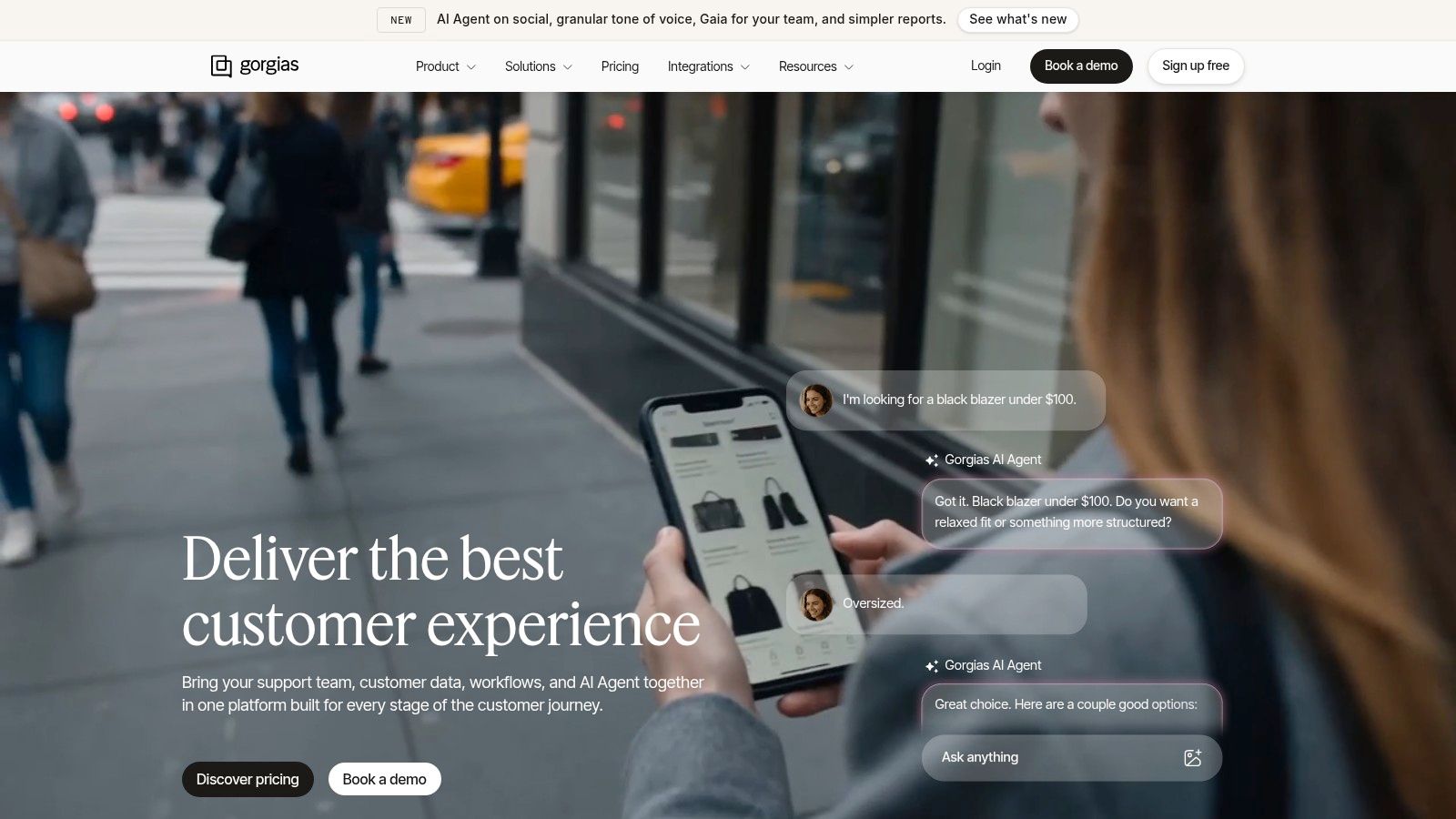
Support becomes expensive when agents must reconstruct every order before answering a simple question. Gorgias puts customer conversations and Shopify order context together, helping teams work without constantly switching between an inbox and the store admin.
Its shared helpdesk brings channels such as email, chat, social, SMS, and voice into a common workspace. Live chat, routing, saved responses, and optional AI Agent features give teams several ways to manage incoming demand.
Best for support teams whose main problem is fragmented conversations and repeated lookup work. The ecommerce focus is more relevant here than a generic promise to automate customer service.
A helpdesk can organize shipping complaints. It can't make an inaccurate delivery estimate correct.
Price the workload, not just the inbox
Lower-priced plans have limited ticket allowances. Extra-ticket charges and AI add-ons can change the economics during promotions, product launches, or delivery disruptions, precisely when support demand is least predictable.
Before committing, map your typical support month and your busiest recent period against the proposed plan. Confirm what counts as a billable ticket, how automation is charged, and which communication channels require additional setup or spending.
The entry-level option can suit a smaller team, but buying a larger plan doesn't replace support design. Define tags, escalation rules, refund permissions, and saved-response ownership before introducing automation.
Track resolution quality and handling effort, not just response speed. A quick automated reply that leaves the customer asking the same question again hasn't solved the workload problem.
5. Recharge
Recharge makes sense when recurring orders are part of the business model, not merely a subscription checkbox added to a product page. Replenishable goods, memberships, and curated boxes all require ongoing customer management after checkout.
The app combines subscription purchasing tools with a no-code customer portal, cancellation-prevention features, failed-payment recovery, and subscription analytics. Higher plans add capabilities such as expanded analytics and bundle options.
Best for brands that need to operate subscriber relationships consistently. A self-service portal can give customers a place to manage recurring purchases rather than contacting support for every routine change.
Model the subscription economics first
A subscription isn't automatically profitable because the order repeats. Include product margin, fulfillment, subscriber incentives, support effort, the app subscription, and applicable transaction fees in your calculation.
- What works: Give customers clear recurring-order terms and an easy-to-understand account-management experience.
- Cost trap: Transaction fees apply on some plans, so calculate costs using expected subscription sales rather than the base subscription alone.
- Poor fit: A store with occasional repeat orders but no compelling recurring-purchase proposition may not need a dedicated subscription platform.
Test the subscriber journey beyond the initial purchase. Review failed payments, cancellation requests, product changes, and the messages customers receive around those events.
Also assign ownership between Recharge and your marketing platform. Conflicting cancellation messages or overlapping recovery offers can confuse subscribers and make it harder to understand which intervention helped retain them.
The operational depth is valuable when subscriptions matter. At low subscription volume, the expense and configuration burden may be harder to justify.
6. AfterShip Order Tracking
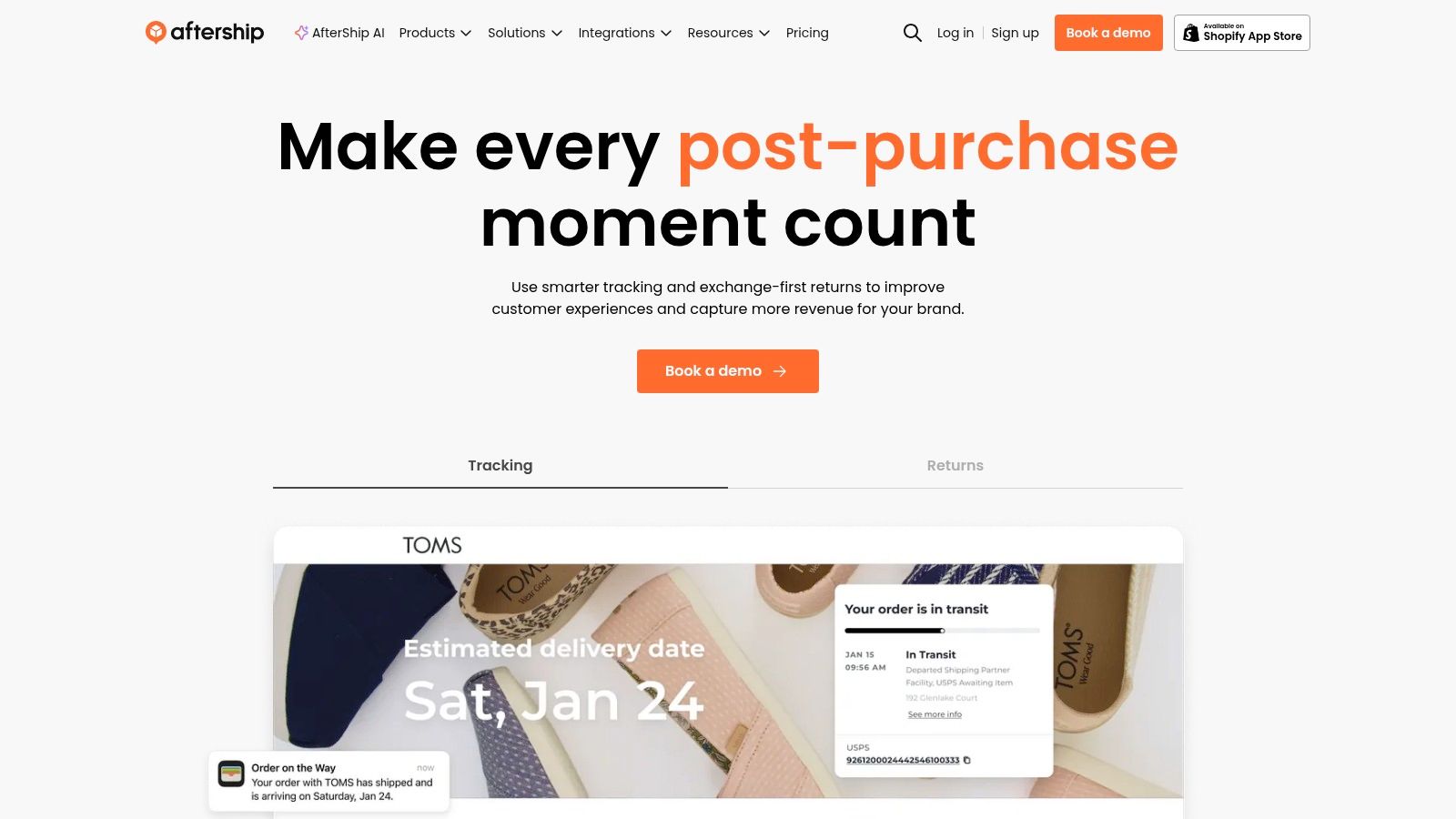
Customers asking where is my order, often shortened to WISMO, don't necessarily need an agent. They need a trustworthy shipment update they can find and understand.
AfterShip Order Tracking offers branded tracking, order lookup, shipment notifications, and a delivery-monitoring dashboard, with coverage across more than 1,100 carriers. Its free plan supports up to 50 shipments per month.
Best for stores whose shipping questions stem from weak post-purchase visibility. Paid plans add notification capabilities, while higher tiers offer features such as custom tracking domains, delivery estimates, and analytics.
Watch shipment allowances during growth
Shipment-based pricing needs a different forecast from order-based reporting. Review how your shipping workflow is counted, particularly when fulfillment involves separate packages or tracking records.
- Advantages: Broad carrier coverage, branded tracking, and Shopify listing recognition through Built for Shopify.
- Cost traps: Shipment limits and extra-shipment fees can make a busy period more expensive than the headline plan suggests.
- Operational limit: Better tracking presentation won't resolve a parcel that hasn't been handed to the carrier.
Test order lookup from the customer's perspective, including the period before the first carrier scan. A page that displays a tracking number but no useful explanation can still generate a support email.
Coordinate notifications with Shopify and your marketing platform so customers don't receive overlapping shipment messages. Then compare shipping-related contacts against shipment volume to judge whether customers are getting clearer answers.
7. Shopify Flow
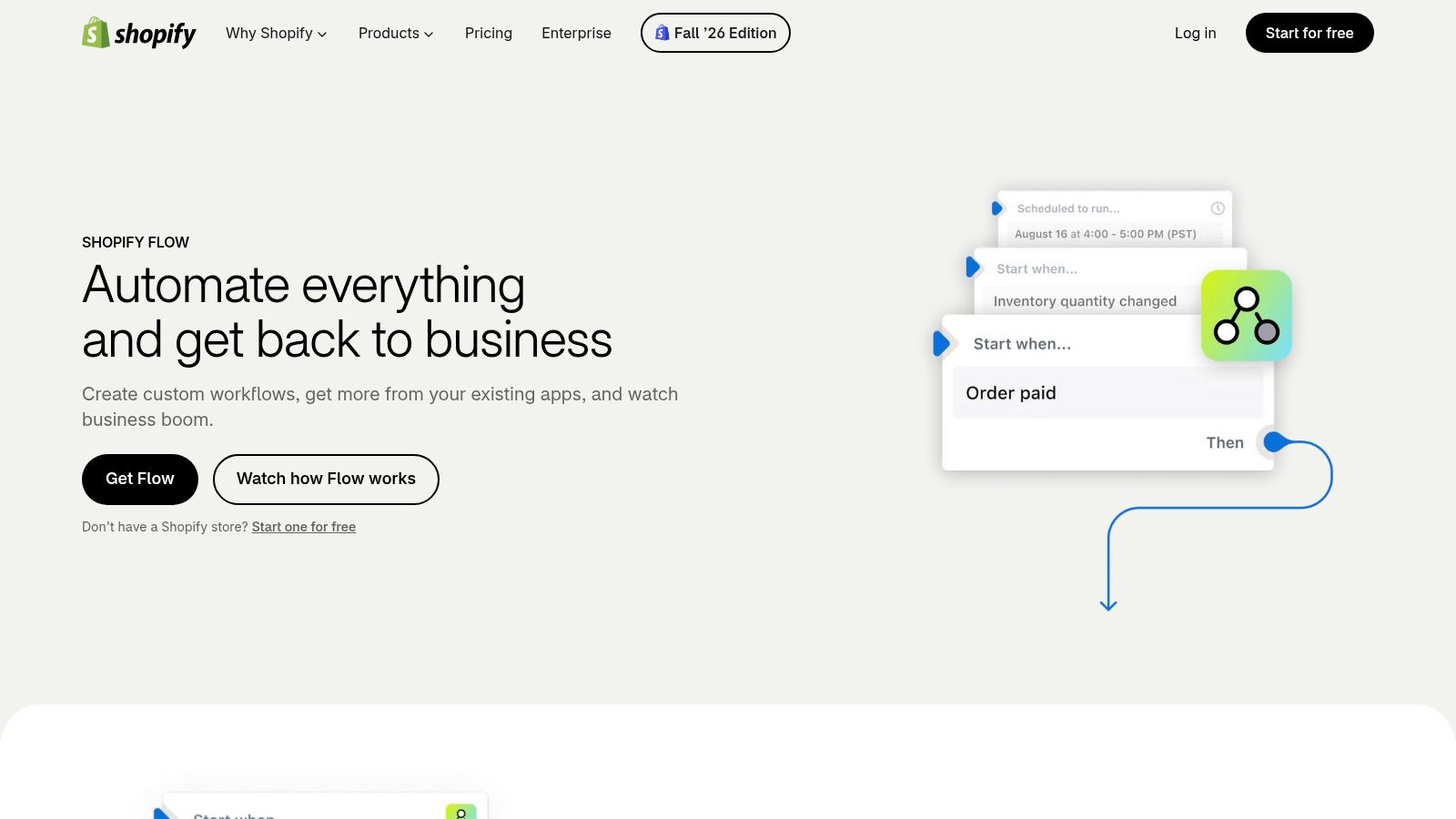
Before buying another specialist app, check whether the task is a repeatable rule. Shopify Flow connects triggers, conditions, and actions for store administration, order handling, inventory-related tasks, and internal notifications.
A practical workflow might tag an order for review when it meets a defined condition, then notify the employee responsible. The point is to remove a routine handoff, not to create an elaborate automation nobody can explain.
Best for repetitive back-office work with clear rules and supported events. Its no-code builder can connect compatible apps, but the available triggers and actions determine what you can automate.
Automate a decision you already understand
Write the workflow in plain English first. Identify the event, the condition that matters, the action, and the person who handles exceptions.
- Advantages: A native Shopify tool that can reduce manual tagging, checking, and internal messaging.
- Limitations: It isn't a substitute for specialist subscription, support, or coupon-protection capabilities.
- Maintenance requirement: Document the owner and test what happens when the expected data is missing.
Discount workflows deserve particular care. Understanding how coupon stacking works helps distinguish a legitimate offer combination from a promotion that creates unintended savings.
Don't assume an order tag or internal alert prevents checkout misuse. Use Flow for the actions it supports, and leave enforcement to tools designed for that job.
For commercial evaluation, focus on whether Flow can remove a paid overlapping task, and verify any connected-app or plan requirements. A workflow that depends on an unused subscription hasn't necessarily simplified the stack.
8. Smile.io
A loyalty program should give customers a reason to return without teaching them to wait for another discount. Smile.io provides points, VIP tiers, and referral incentives for Shopify brands that want a structured rewards program.
Best for stores with a credible repeat-purchase opportunity and room to fund rewards. Making points and benefits visible can support that strategy, but installing the app doesn't establish whether the rewards are attractive or affordable.
The setup is Shopify-compatible and avoids the need for bespoke loyalty software. More elaborate programs may require higher-tier features, so design the program before choosing the plan.
Margin guardrail: Treat every reward as an offer with eligibility rules, a cost, and a reason to exist.
Keep the reward understandable
Start with an earning action and a redemption benefit customers can explain without reading a long policy. Then define how returns, other promotions, and customer eligibility affect those rewards.
Use exclusive discount codes deliberately when a benefit belongs to a particular customer group. A public code that spreads beyond its intended audience isn't much of an exclusive reward.
The strongest trade-off is engagement versus subsidy. Rewarding behavior you want to encourage differs from discounting purchases customers were already going to make.
Review repeat purchasing, redemption behavior, and contribution margin together. Enrollment alone doesn't tell you whether the program is helping.
Smile.io is less compelling when products rarely need replacing and customers have little reason to refer others. In that situation, better product education or post-purchase service may deserve attention before points and VIP tiers.
9. PageFly
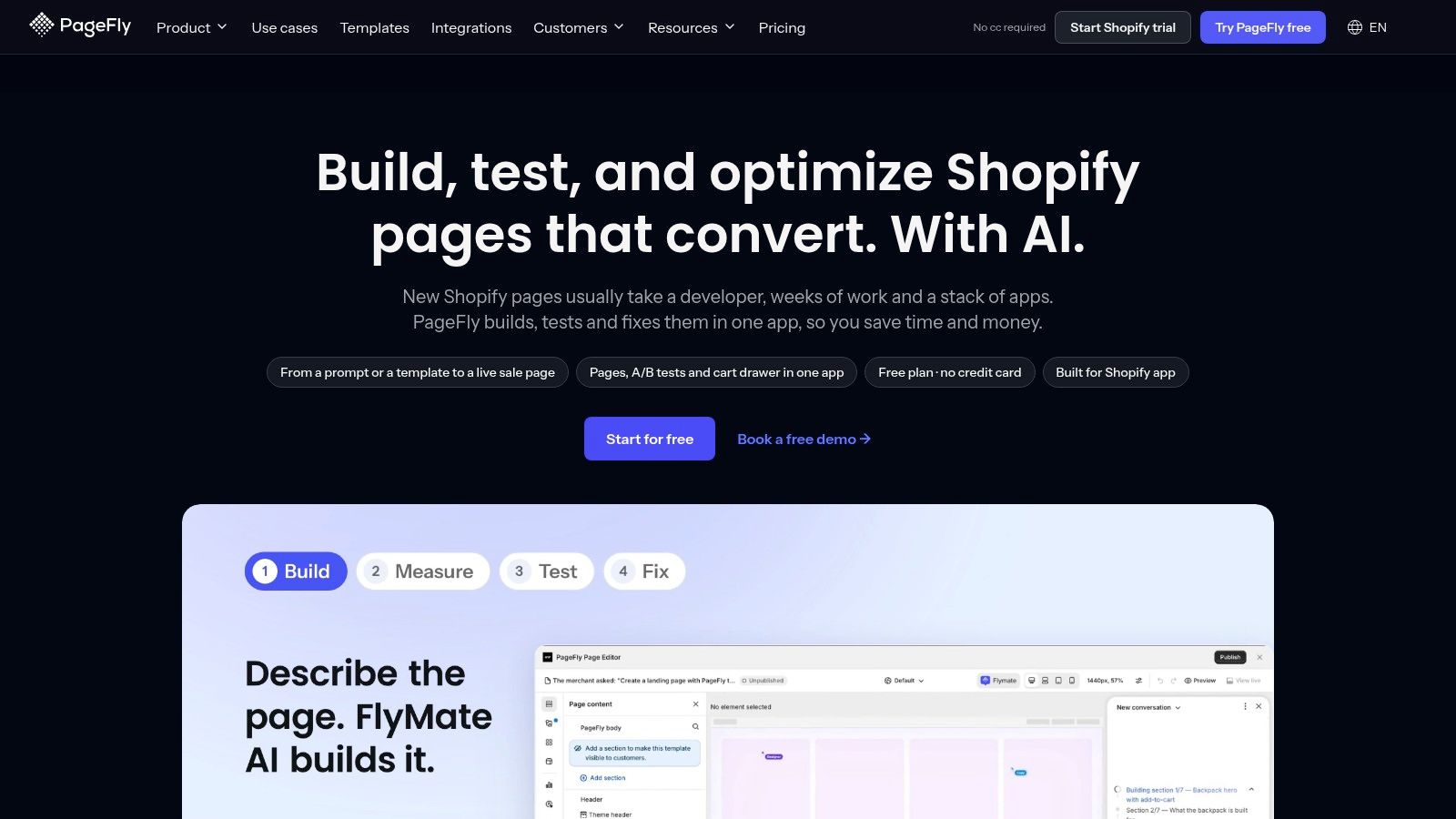
Your ad promises a specific bundle, but the click lands on a generic collection page. That's a landing-page problem, not necessarily an advertising problem.
PageFly gives marketers a visual interface for building landing pages and other Shopify storefront pages. Templates and layout controls let teams make campaign-specific changes without coding every adjustment.
Best for brands that need pages their existing theme doesn't comfortably support. The flexibility is useful for launches, product education, and dedicated campaign offers, provided someone owns page quality after publication.
More layout control means more testing
The common mistake is adding elements because the builder makes them available. Extra banners, animations, widgets, and repeated offer blocks can make a page harder to use, especially on mobile.
- Advantages: Non-developers can adjust layouts, build campaign pages, and work within the Shopify storefront.
- Limitations: Advanced layouts take time to learn and maintain, and added elements need performance testing.
- Buying question: Confirm that the plan supports the pages and publishing capacity you need, rather than choosing on the editor demonstration alone.
Build around a clear sequence: the promise from the ad, the product explanation, relevant proof, and the purchase action. Check small-screen layouts, variant selection, cart behavior, and the offer's terms before sending paid traffic.
Use your current theme as the comparison. If a native template can deliver the same experience with less maintenance, another builder may be unnecessary.
PageFly earns its place when the team needs meaningful page-level control, not when a campaign needs clearer copy.
10. Omnisend

Omnisend is an alternative to Klaviyo, not an additional marketing subscription most stores need beside it. It combines email, SMS, segmentation, and prebuilt ecommerce automation workflows.
Best for small and midsize teams comparing practical setup and ongoing cost. Welcome messages, abandoned-cart workflows, and post-purchase campaigns provide a useful starting point when the team wants commerce-specific automation without designing everything from scratch.
The right comparison is your actual workflow. Recreate the segments and messages you need, then compare the effort required to build, maintain, and report on them.
Compare the bill at your real audience size
Contact-based pricing can rise as the subscriber list grows. Selected features and messaging requirements also affect the decision, so a starting plan isn't a reliable estimate of the eventual operating cost.
- What works: Email and SMS in a common platform, with prebuilt workflows that can shorten initial setup.
- What to compare: Segment flexibility, suppression rules, integrations, reporting, and audience-based pricing.
- Potential limitation: Teams with advanced segmentation needs should test those requirements against competing platforms before migrating.
Promotion governance matters as much as delivery. When distributing influencer discount codes, define audience eligibility and code ownership instead of assuming the email platform controls where the offer travels afterward.
Before switching platforms, map active automations and disable overlapping sends during migration. Otherwise, customers can receive duplicate messages while your team struggles to interpret the results.
Choose Omnisend if it meets your lifecycle requirements with a manageable workflow and bill. Don't migrate merely because an introductory offer looks cheaper.
How the ten apps differ on core job, free access, pricing model and trade-offs
Shortlist by job first, then by the limit that expands the bill: contacts, tickets, shipments, subscription volume, page count, or gated features. Entry pricing is the weak signal; the operating limit is the useful comparison.
| Item | Primary Job | Free Plan | Pricing Model | Watch Out For |
|---|---|---|---|---|
| KeepCart | Block coupon extensions and limit discount leakage | A plan can start at $0 | Monthly pricing, with monthly or annual subscription options | Coupon-site replies can come back to the merchant for handling |
| Klaviyo | Email and SMS marketing automation | Confirm current signup terms before migrating | Contact-based, shaped by features and messaging needs | Costs rise with list size; a starting plan is not the eventual bill |
| Judge.me | Collect and display product and store reviews | Unlimited product and store reviews | Free tier and paid plan | Customization may require a paid plan; settings can take configuration |
| Gorgias | Ecommerce customer support helpdesk | Confirm current trial terms | Plan-based, with ticket allowances and optional AI add-ons | Ticket limits and add-ons can increase costs |
| Recharge | Manage recurring purchases and subscriptions | Confirm current trial terms | Plan-based; transaction fees apply on some plans | Can be costly at low subscription volume |
| AfterShip Order Tracking | Track shipments and notify customers | Up to 50 shipments per month | Shipment-based, with possible overage fees | Extra shipments can make costs less predictable |
| Shopify Flow | Automate repetitive Shopify store tasks | Check plan eligibility before building flows | Depends on Shopify plan access, triggers and integrations | Workflows depend on available triggers and integrations |
| Smile.io | Run loyalty and referral programs | Entry tiers can gate rewards features | Tiered features | Rewards need careful design to protect margins |
| PageFly | Build and customize Shopify pages | Confirm current page and feature limits | Tiered by page and feature needs | Advanced layouts take time; check page performance |
| Omnisend | Email, SMS, and ecommerce marketing automation | An introductory offer is not the bill | Based on audience size and selected features | Costs can rise with list size; advanced segmentation may require another platform |
For apps marked “confirm,” verify the limit before rebuilding workflows around it. The expensive mistake is migrating to a lower entry price, then hitting the cap that scales.
Start With the Leak That Costs You Most
The best ecommerce apps aren't the ones with the most features. They're the ones that remove a measurable loss without creating disproportionate cost, checkout friction, or administrative work.
Start by separating your symptoms. Discount leakage calls for better distribution and redemption controls; a support backlog may require a shared helpdesk or clearer policies. Weak retention, shipping questions, and landing-page gaps each need a different intervention.
Rank the problem before buying the solution
Use store records rather than intuition wherever possible. Inspect discount redemptions, support tags, repeat-purchase behavior, shipment inquiries, and paid-traffic landing pages, then identify which issue your team can realistically improve.
- Margin leakage: Look for restricted codes redeemed outside their audience and commissions that don't match the intended referral.
- Support load: Separate repetitive lookup work from complaints caused by an unresolved operational issue.
- Retention: Distinguish missing follow-up from a product that customers don't need frequently.
- Shipping visibility: Check whether customers can find and interpret tracking updates before adding more inbox capacity.
- Landing pages: Compare the ad's promise with the page, the offer terms, and the mobile purchase journey.
Audit the existing stack before adding anything. Record each app's owner, purpose, billing basis, integrations, and overlapping functions, including features already available in Shopify.
The cost of fragmentation can extend far beyond subscriptions. Shopify's ecommerce tech-stack guide describes a retailer with 21 plugins costing more than $10,000 per month, alongside slow transactions and unreliable data. That example isn't a budget benchmark for your store, but it shows why evaluating tools independently can miss the operational cost of the whole system.
Make the next installation earn its place
Forecast contact-based billing, ticket caps, shipment limits, applicable transaction fees, and add-ons at ordinary and peak demand. Include implementation, staff training, reconciliation, and the work required to maintain custom pages or workflows.
Then define success before installing the app. For coupon protection, evaluate unintended redemptions and margin alongside checkout completion; for support, evaluate resolution effort and quality rather than speed alone. For tracking, judge whether shipping inquiries decline relative to fulfillment activity.
This week, trial a single tool against your most expensive bottleneck. Give a named employee responsibility, record the current position, and agree on what would justify keeping the subscription.
Keep the rest of the stack unchanged where practical. That makes the result easier to interpret and prevents an app-shopping exercise from becoming an open-ended implementation project.
KeepCart combines coupon-extension blocking, leaked-code monitoring, removal requests, protected links, and discount recovery for Shopify stores. If unintended discounts are your biggest margin problem, visit KeepCart to explore guided setup and start a trial focused on protecting offers without leaving shoppers stranded at checkout.